Setup
Manage the data behind your projects: equipment, locations, and imports
The Setup menu is a dropdown with three tools that every user needs. It is not a screen of its own; it groups the pages where you manage the information your projects depend on.
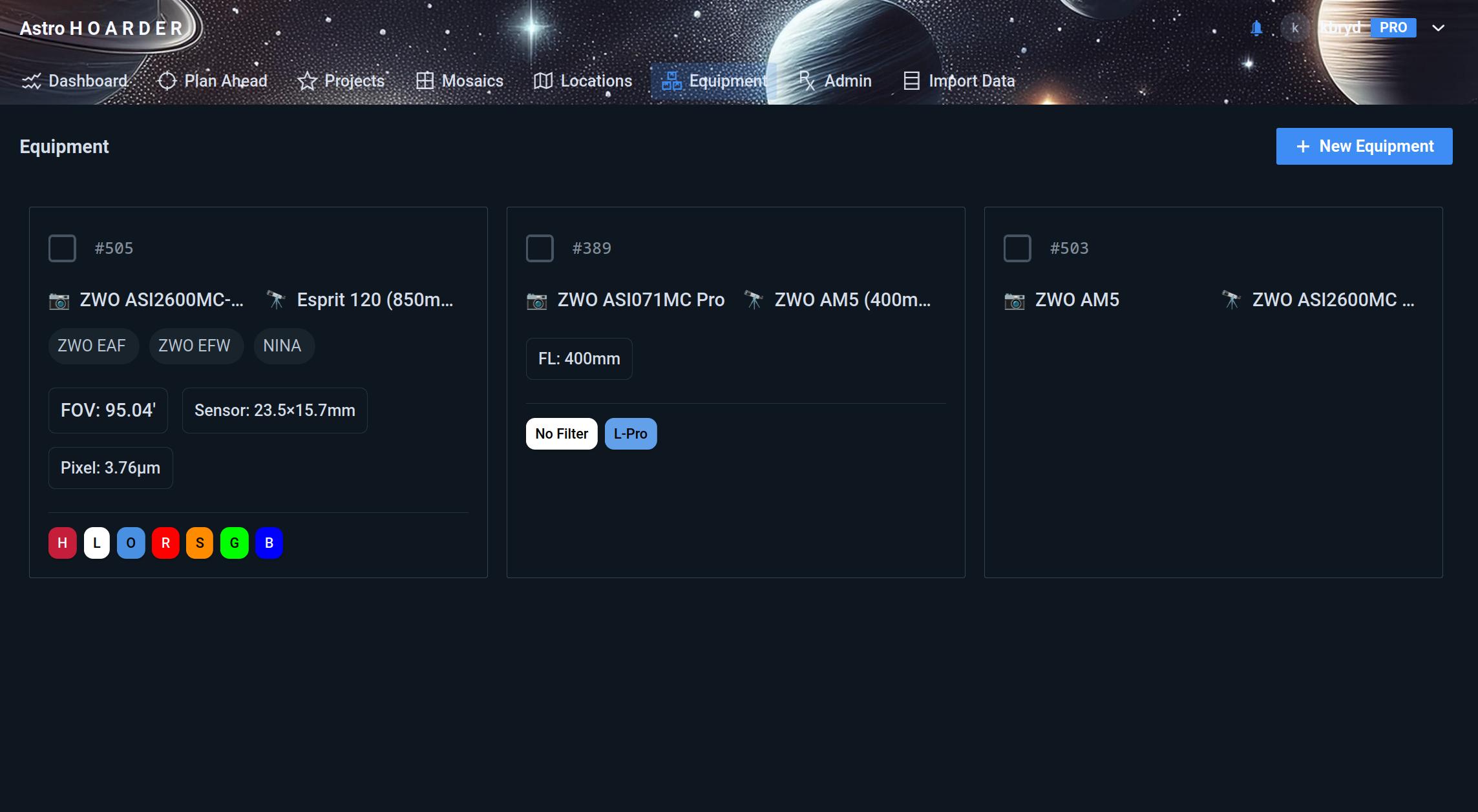
Equipment
Create equipment profiles that combine your telescope, camera, focuser, and filters into a named setup. A profile is what you assign to a session and to the projects that used it.
Locations
Add the places you image from, such as your backyard or a remote site, and keep their statistics separate. Each location shows its coordinates and observing statistics.
Horizon
A location can carry a local horizon, so planning only counts time when a target is above your trees, houses and hills. Open the location’s edit dialog, or use the horizon button on its card, and press Horizon.
- Draw it. Click to add a point, drag to move one, double-click to delete one. The panorama runs from north through east, south and west and back to north.
- Import or export a
.hrzfile. This is the APCC and N.I.N.A. format. A file with a bad line is rejected with the line number.
A target is usable when its altitude is above both the horizon at its azimuth and your minimum altitude. A location without a horizon behaves as before, and locations that have one show a HORIZON tag. See Add your local horizon for how Plan Ahead, the altitude chart and the night timeline use it.
Import Data
Bring FITS metadata into DeepSkyLog from the web app, as an alternative to the DeepSkyLog Uploader or the CLI. Select the FITS files to upload; only their headers are read, and your original images stay where they are.
The web app groups the files by target (the OBJECT keyword) and reviews each group before anything is imported:

- Review import - the dialog lists each target group with its frame count and a match status: Exact match when the target is already a project, Suggested when one is likely, or Unmatched when nothing matches.
- Assign a project - pick an existing project from the dropdown for each group, or create a new one.
- Approve & add to import list - confirm the groups, then continue importing the rest of your selection.
Select several groups and use Adapt Existing Project to apply one project to them all, or clear the list to start over.