FITS Frame Management
Automatically import and catalog all your imaging sessions
DeepSkyLog simplifies the import and cataloging of imaging sessions, enabling efficient management of thousands of FITS files.
Automatic Import
- NINA Integration: Direct integration with NINA imaging software - frames are automatically uploaded as you capture them
- Manual Upload: Use the Import Data module in the web app to select your FITS files. DeepSkyLog will extract the metadata, let you assign files to the correct project, and sync them automatically.
- Bulk import: A command line application which can quickly scan your whole hard drive and upload the FITS metadata. Perfect option for advanced users, real DeepSkyLogs! :-)
- Metadata Extraction: Automatically reads all FITS headers including exposure time, filter, temperature, coordinates, and more
Organize Your Frames
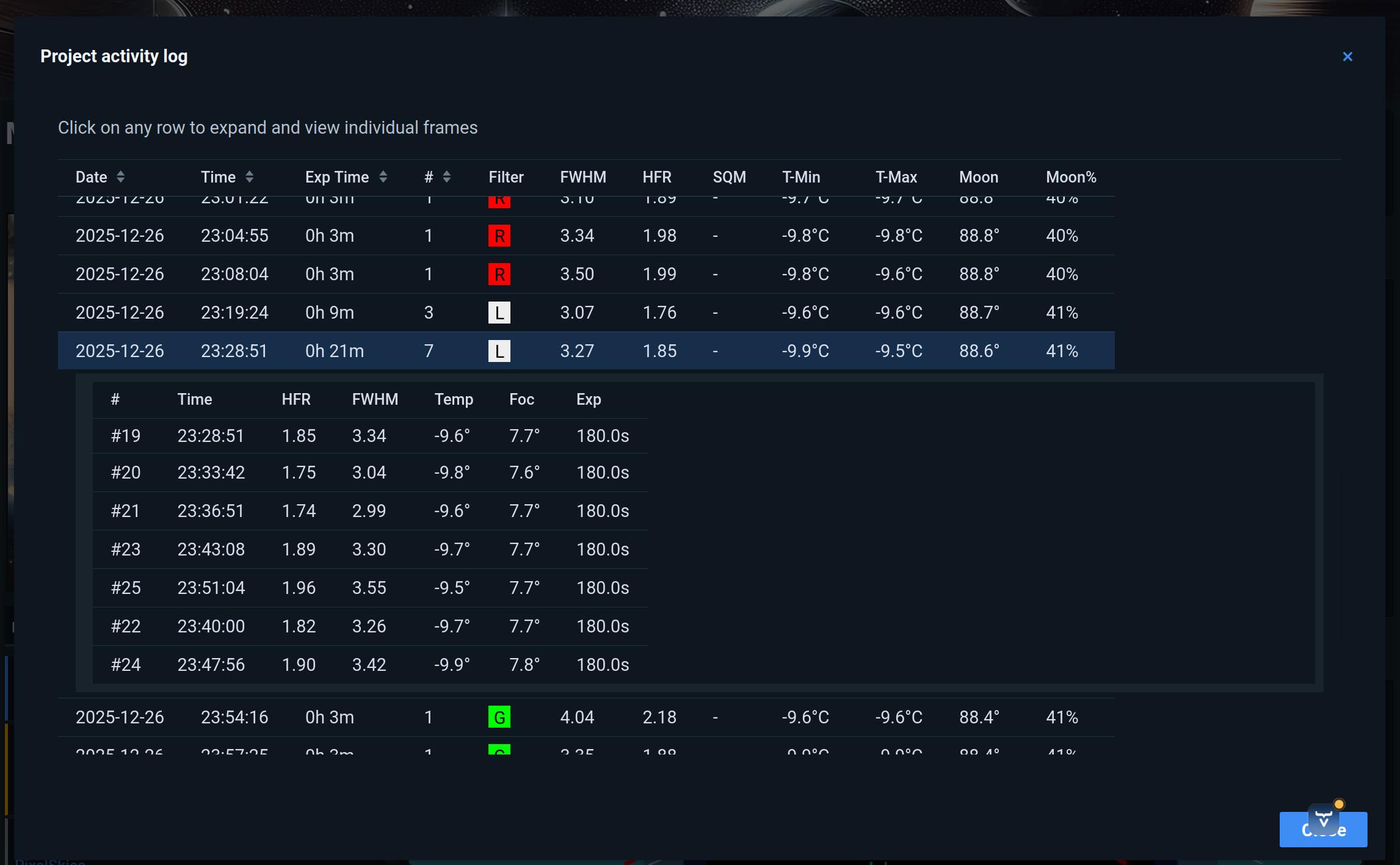
- Smart Grouping: Frames are automatically organized into sessions based on capture time and target
- Filter by Equipment: See which frames were captured with specific cameras, telescopes, or filters
- Search & Filter: Quickly find frames for all projects, analyze HFR metrics for star quality.
Frame Analysis
- Quality Metrics: Track HFR (Half-Flux Radius), Moon phase and angular separation.
- Session Statistics: View total integration time, number of frames, and progress toward your goals
- Frame Preview: Quick preview of your FITS frames directly in the browser
Benefits
✓ Never lose track of your imaging data ✓ Quickly find specific frames when processing ✓ Identify quality issues before processing ✓ Track your imaging progress over time