Project Organization
Group frames into projects and track your imaging progress
Keep your imaging projects organized and never lose track of what’s finished and what still needs work.
Project Management
- Create Projects: Define projects for each deep-sky object.
- Set Goals: Specify target integration time for each filter (L, R, G, B, Ha, OIII, SII, etc.)
- Track Progress: Visual progress bars show completion status for each filter
- Configurable dashboard: set up your main application view as you want, choose from dozens of widgets ()
Mosaics Support
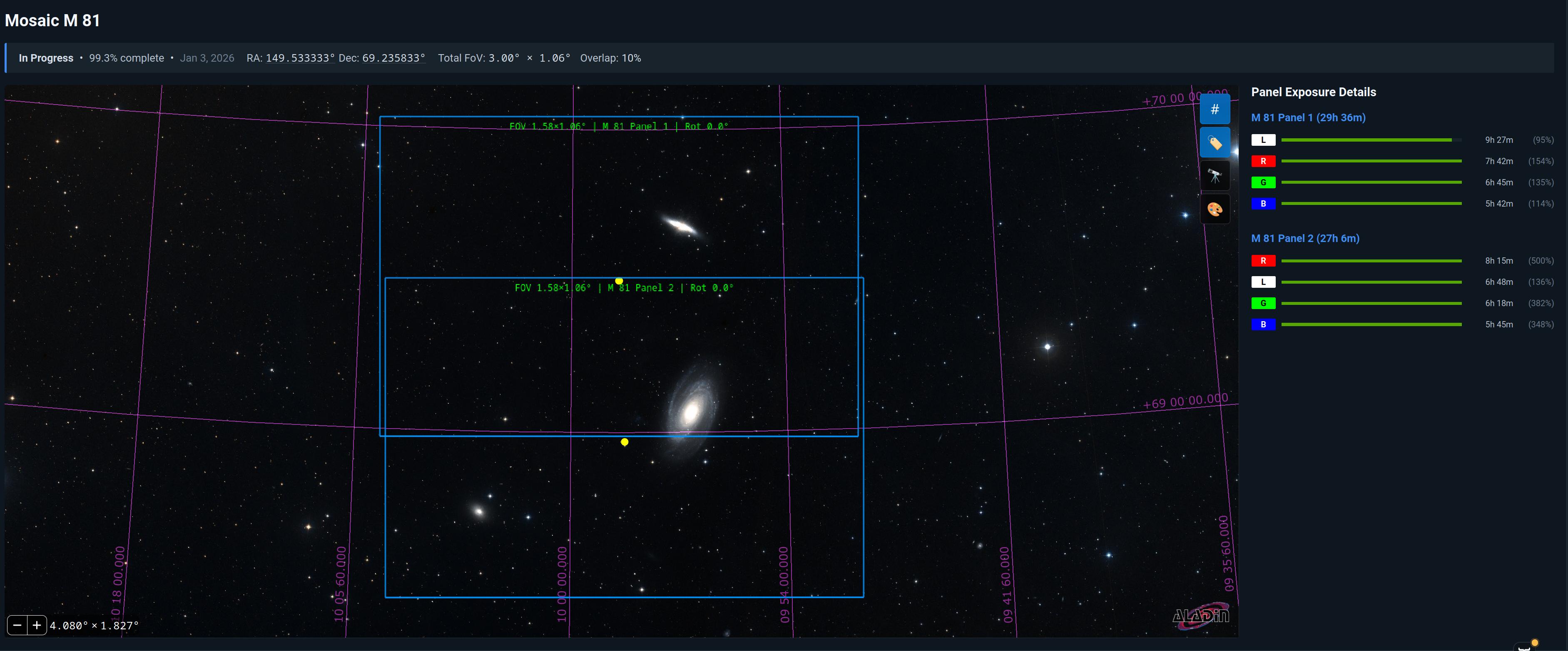
- Mosaic Support: Track progress of multi-panel mosaics with automatic panel organization
- Mosaics on the map of the sky: See all your mosaics on the sky map
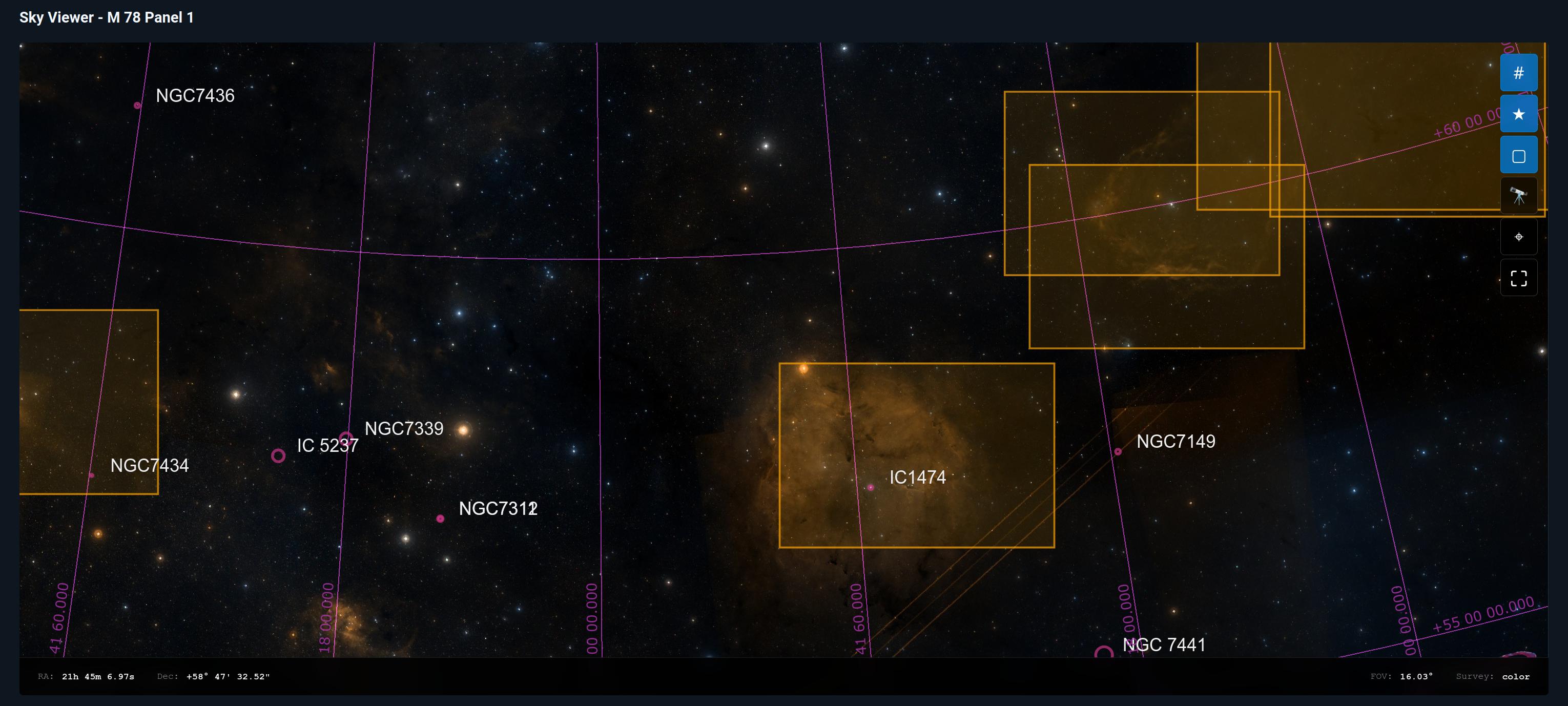
Skymap with Annotations and all your projects
- Skymap: See what regions of the sky you have already photographed
Smart Project Tracking
- Automatic Frame Assignment: Frames are automatically assigned to projects based on target
- Progress Dashboard: See all your projects at a glance with completion percentages
- Filter Goals: Set specific integration time goals for each filter
- Completion Alerts: Get notified when projects reach their imaging goals
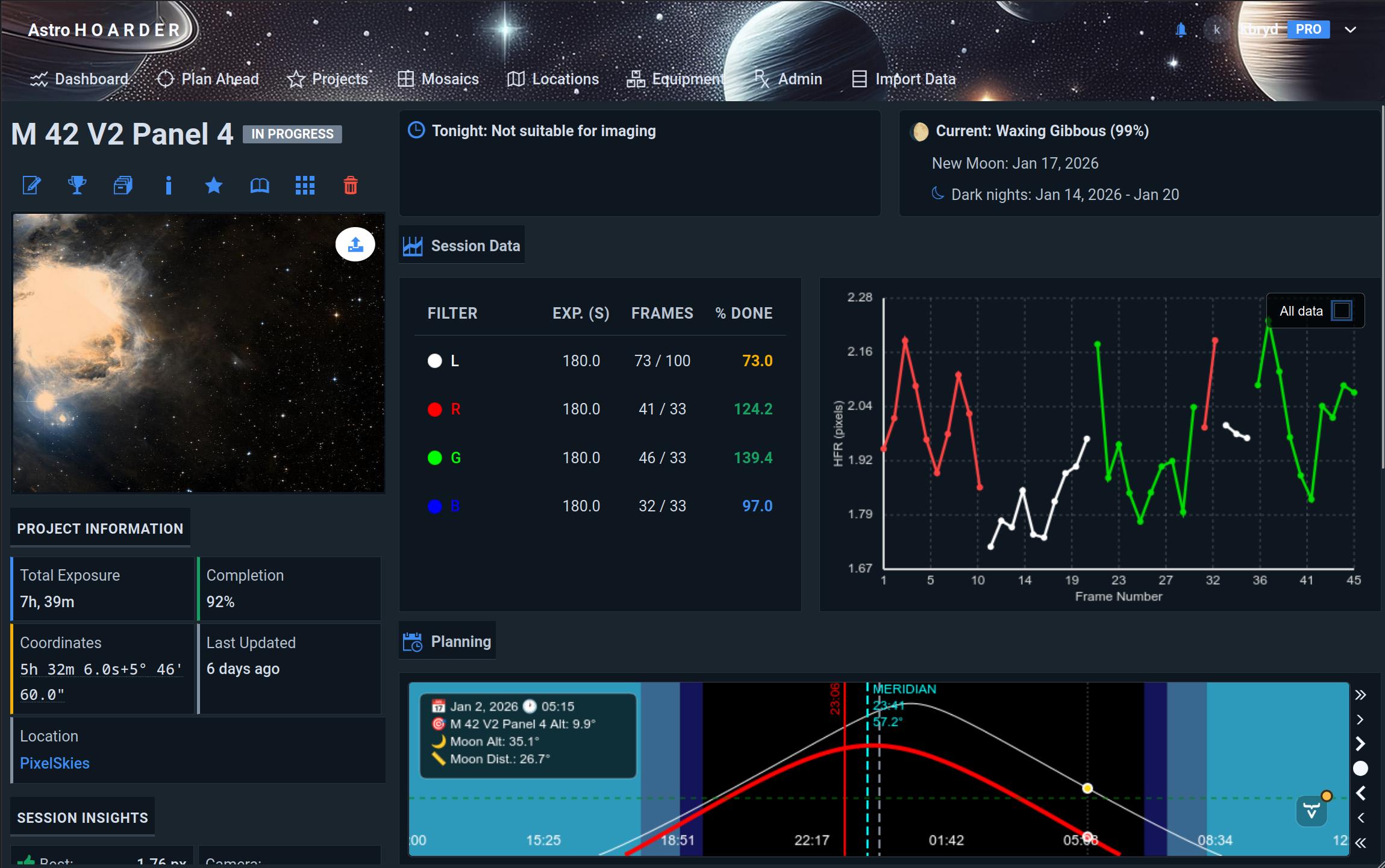
Project Analytics
- Integration Time: Total exposure time per project and per filter
- Frame Statistics: Number of frames, rejection rate, quality metrics
- Session History: See when you last worked on each project
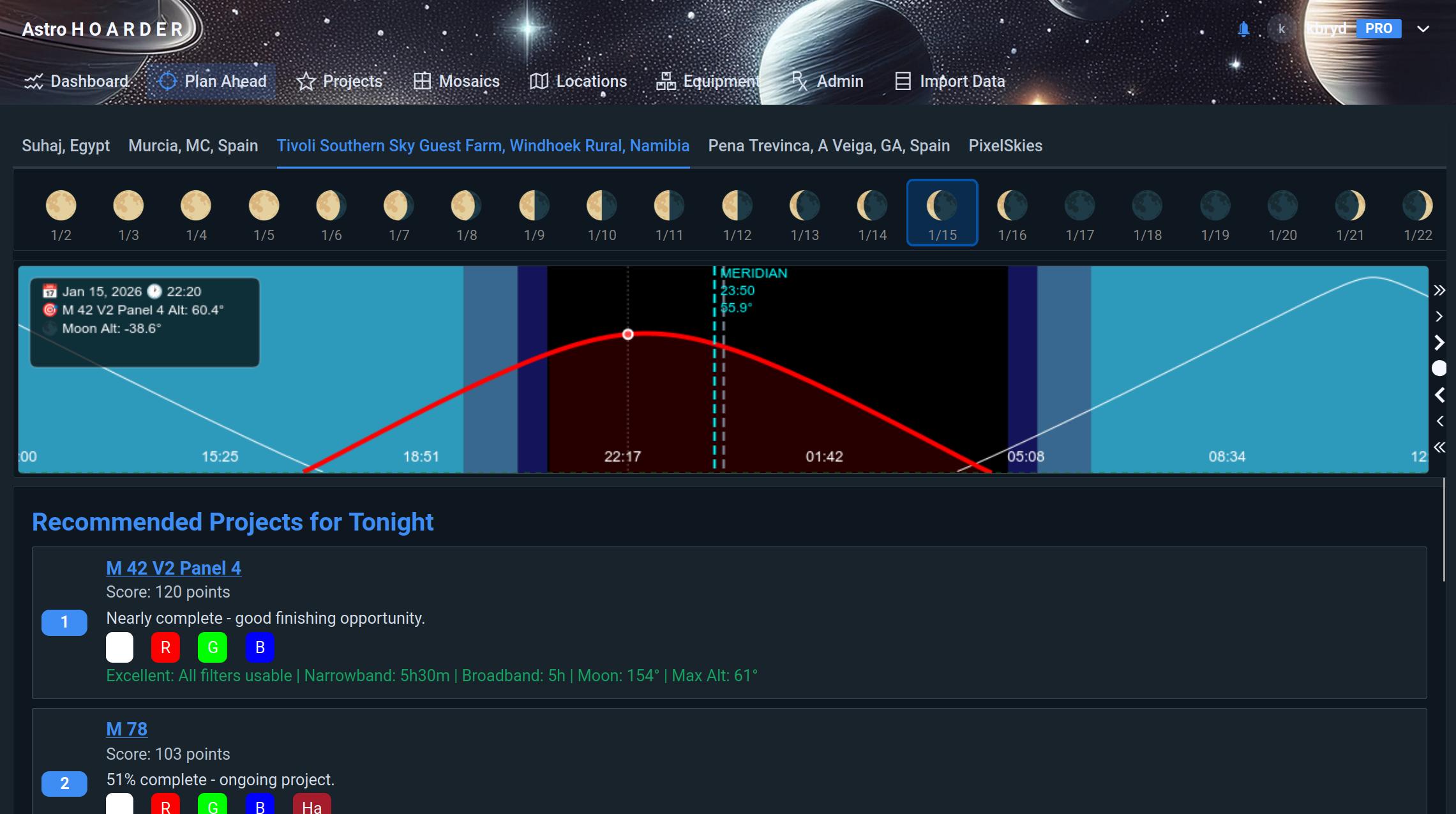
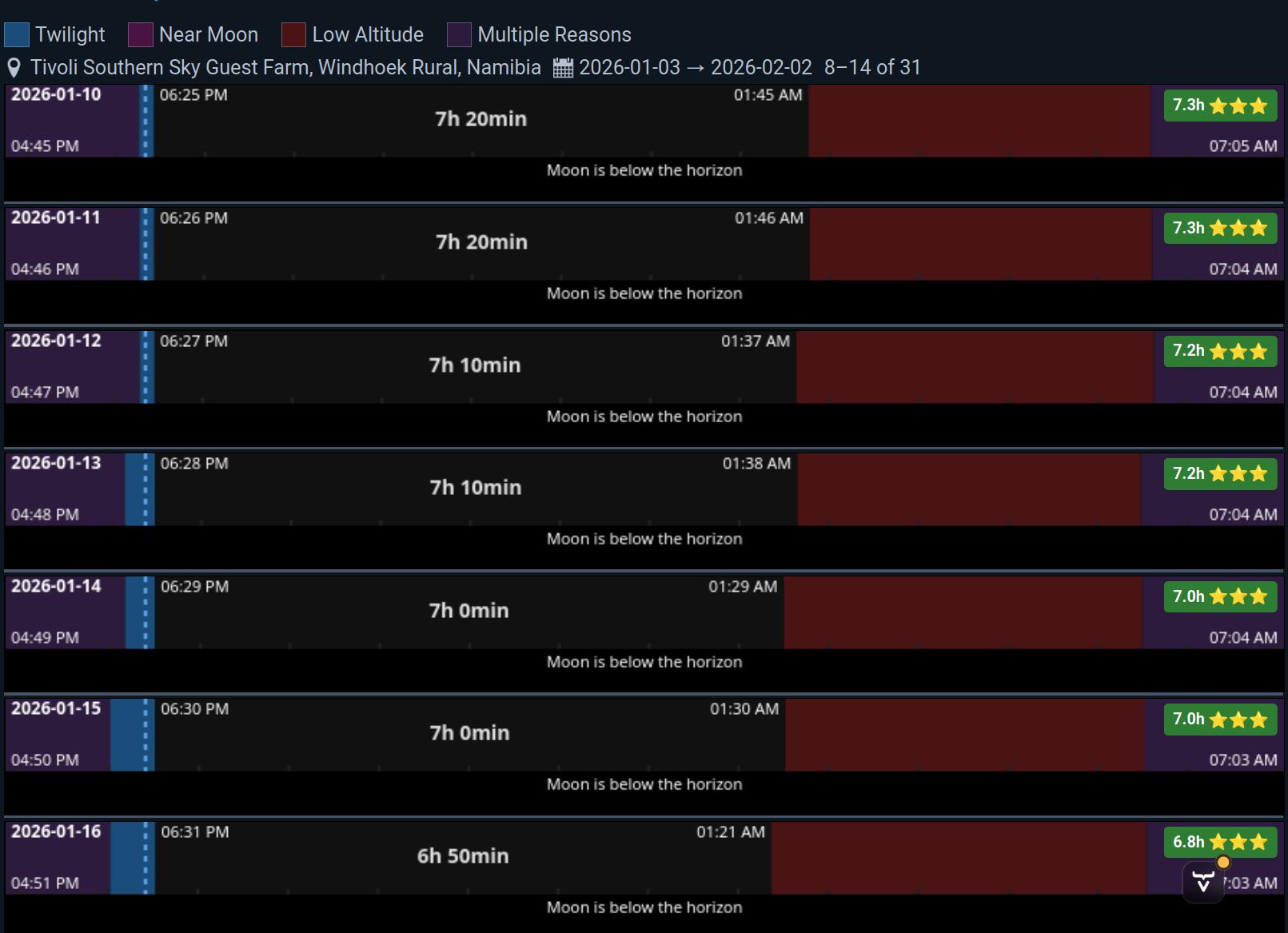
Project planning
- Planning tools: See the photography windows in charts