Astrophotography project tracker and logbook
Keep an astrophotography logbook built from your FITS headers instead of a spreadsheet, with projects, sessions and goals.
For a long time I kept my captures in a spreadsheet and a folder per target. It worked until I had a few years of data and wanted to know how many hours of Ha one target still needs. Nobody wants to count that from file names, so DeepSkyLog reads it from the FITS headers and you type nothing.
Every frame is saved with its target, filter, exposure, HFR (how sharp the stars are, lower is better), guiding and the other values your software wrote. The frames are grouped into one project per target, with the equipment and location attached, and into sessions per night. You can set a goal for each filter and watch the progress, see track integration time per target.
Filling it with data
There are two ways, and you can use both. Import the FITS files you already have with the free DeepSkyLog Uploader or the command-line tool. Files from AsiAir, KStars/Ekos, Voyager and NINA all work. Or install the NINA plugin, and new frames arrive while you capture.
For the first import, take one target from one night and check it in the web app before you send the rest. Only metadata is uploaded. Your FITS files stay on your disk, and DeepSkyLog is not an image backup or a processing tool.
What you get back
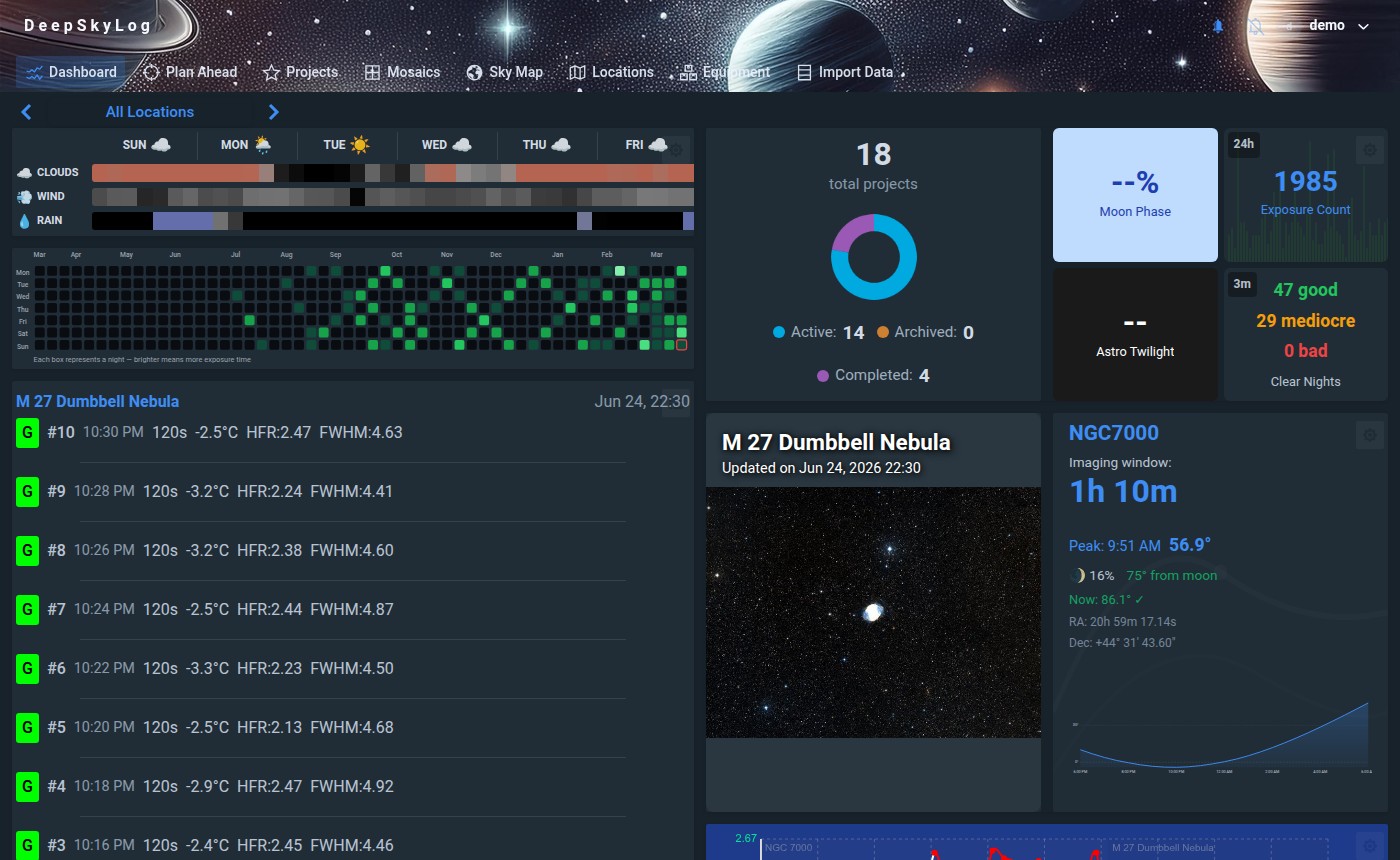
The dashboard shows project and exposure totals, the weekly forecast, moon phase and the quality of recent sessions. The sky map shows where you already imaged, with your projects on top. Incomplete and Plan Ahead help you decide what to shoot next. HFR and eccentricity (how round the stars are) statistics help you find weak frames before you start processing.
The getting started guide walks through the first import.
Try it on your own data.